Quick Links are available on the Dashboard when using the tutorials, an Enginius business case available from the dropdown menu, or Enginius survey results. Quick Links provide access to the models and case/tutorial associated with the Enginius-created data set that you selected.
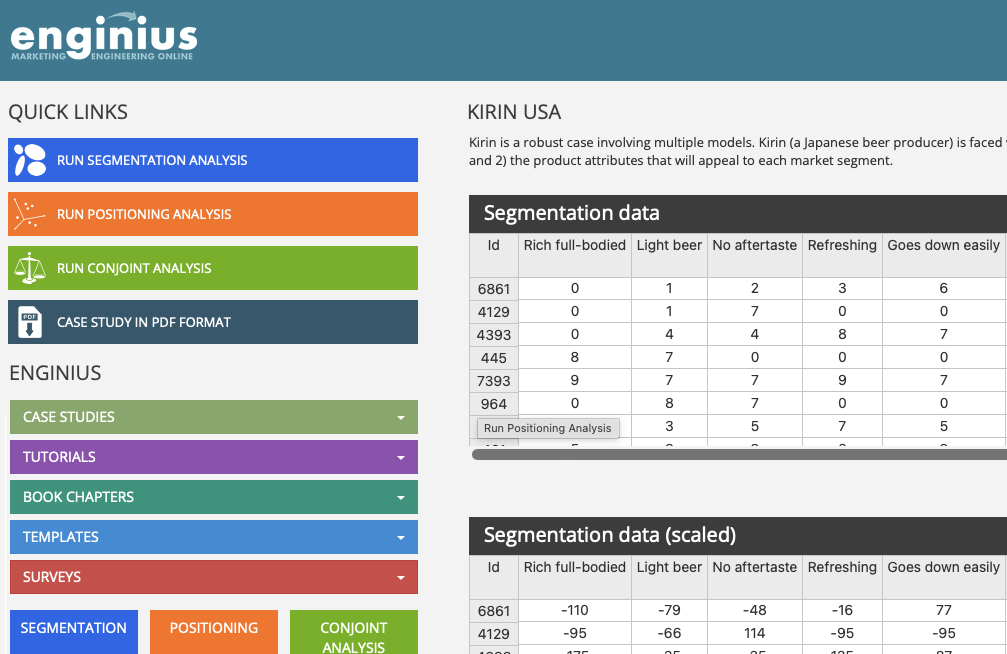
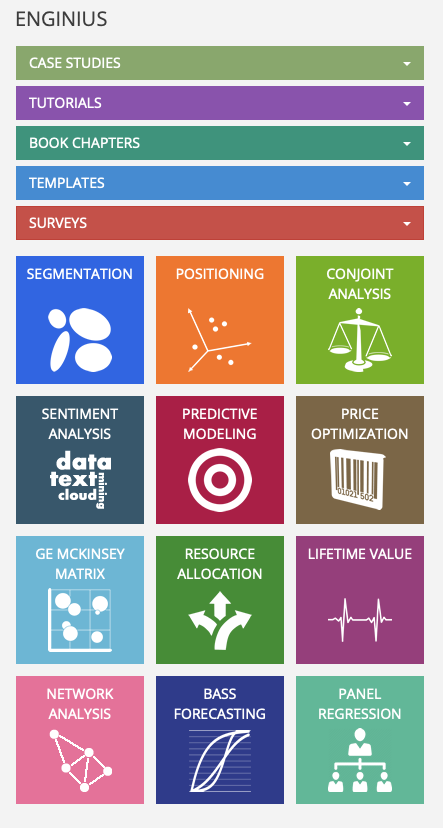
The Quick Links do not appear if you upload your own data or a data set provided by your instructor since the software does not know the type of data you uploaded. When you upload your own data, you will need to use the model blocks at the bottom of the left hand column to run the analysis of your choice.
Was this article helpful?
That’s Great!
Thank you for your feedback
Sorry! We couldn't be helpful
Thank you for your feedback
Feedback sent
We appreciate your effort and will try to fix the article