To access student materials, you must have a valid student license.
The Enginius business cases are found on the Dashboard in a dropdown menu in the left column. The business cases are organized by the analytical model used in the case. If the case uses several models, you will find the same case listed under each model.
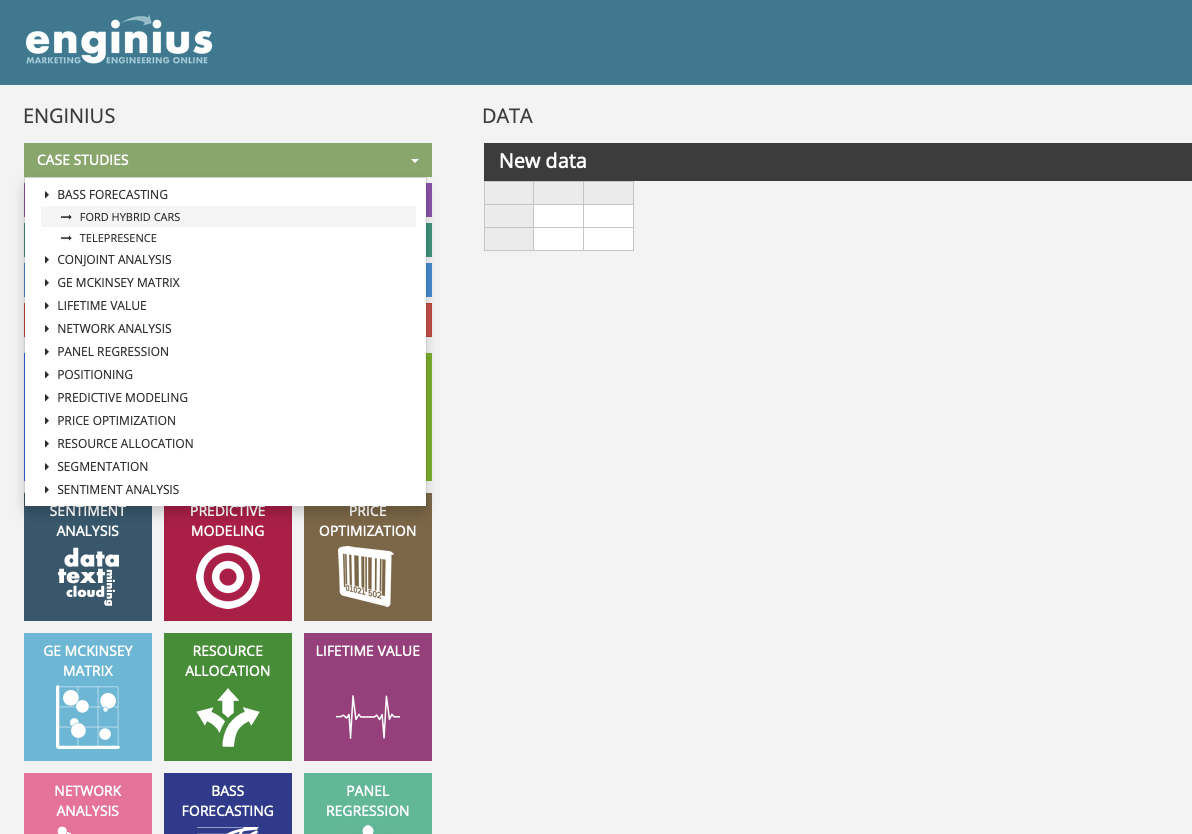
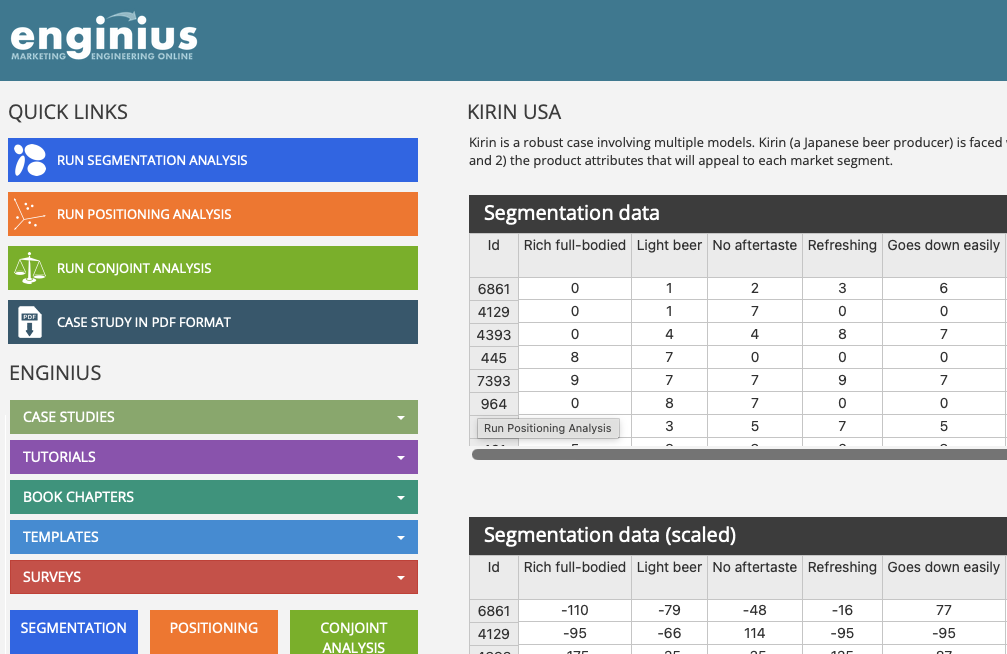
After selecting the appropriate business case, the business case data will load on the right side of the screen (there are a few cases that do not include pre-loaded data). A Quick Links section will appear in the left column that will contain links to materials associated with the case:
- Links to run the analysis typically associated with case questions.
- Link to a PDF of the case study which will include case questions to answer.
- Link to any Excel files that may be needed to answer case questions.
Was this article helpful?
That’s Great!
Thank you for your feedback
Sorry! We couldn't be helpful
Thank you for your feedback
Feedback sent
We appreciate your effort and will try to fix the article